I conducted an LLM training session last week. To teach attendees about structured output, I built an HTML/JS web application. This application allows users to input a webpage and specify fields they want to extract. The web app uses OpenAI’s LLM to extract the relevant information. Before making the OpenAI call, the app first sends a request to Jina to retrieve a markdown version of the webpage. Then, the extracted markdown is passed to OpenAI for further processing. You can access the tool here: Structured Extraction Tool.
Note: The tool will prompt you to enter your OpenAI key, which is stored in your browser’s local storage.
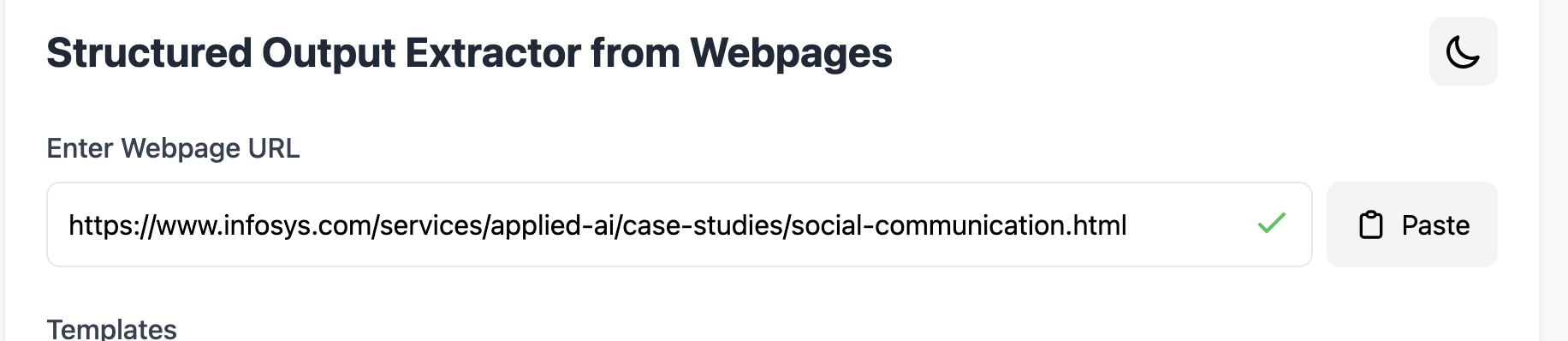
Below, I will demonstrate the app’s workflow using screenshots. The user starts by entering the webpage URL. In this example, I want to extract some information from a case study.
Next, users specify the fields they want to extract. We also support field templates for reusability. For each field, users provide a name, description, and its type.

After specifying the fields, users press the Extract Data button. The app displays the extracted data, along with token usage and cost.
